All models
Muse Image
Meta's image generation and editing model, blending a reference into the prompt
Generate Imagesv1.0.02 inputsIMAGE
an oil painting of a harbour at dusk, thick impasto brushwork, lantern reflections
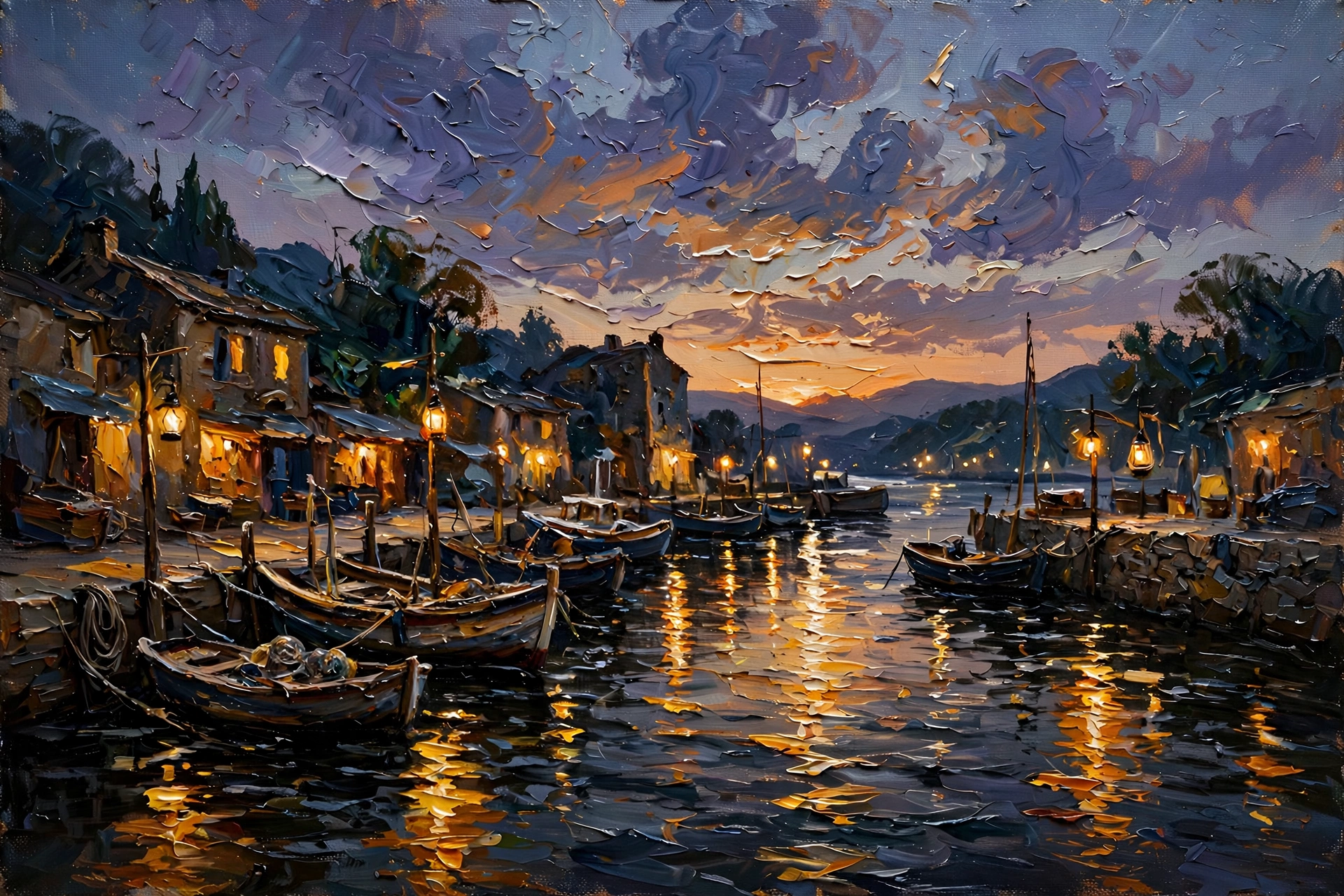
Meta's image generation and editing model, blending a reference into the prompt
an oil painting of a harbour at dusk, thick impasto brushwork, lantern reflections

Fill the inputs the node publishes and run it on your own account. The same ports, defaults and types the studio uses.
Fill in the inputs and run the node to see its output here.
The same node, called by id from any surface. Every tab pins this node and passes the ports below.
import { BlitClient } from "@blitflow/sdk";
const { runNode } = new BlitClient({ apiKey: process.env.BLITFLOW_TOKEN });
const { outputs } = await runNode("muse-image", {
prompt: { value: "example" },
reference: { ref: "https://..." },
});# Install once, then sign in
npm install -g blitflow
blitflow login
blitflow node muse-image \
-i prompt="example" \
-i reference=@https://...{
"name": "runs_node",
"arguments": {
"node": "muse-image",
"inputs": {
"prompt": {
"value": "example"
},
"reference": {
"ref": "https://..."
}
}
}
}curl https://studio.blitflow.com/api/v1/runs/node \
-H "Authorization: Bearer $BLITFLOW_TOKEN" \
-H "Content-Type: application/json" \
-d '{"node":"muse-image","inputs":{"prompt":{"value":"example"},"reference":{"ref":"https://..."}}}'Every port this node publishes, with its type, its hint and the default it runs with. muse-image is the id you call.
| prompt* | TEXT | ||
| reference | IMAGE |
| image | IMAGE |